Everything SAM does, module by module
Six parts, one set of people and projects. Staffing plans the work, Team records time and leave, Plan vs Actuals compares the two.
Plan who works on what
A drag-and-drop timeline of every person on every project, for as far ahead as you plan.
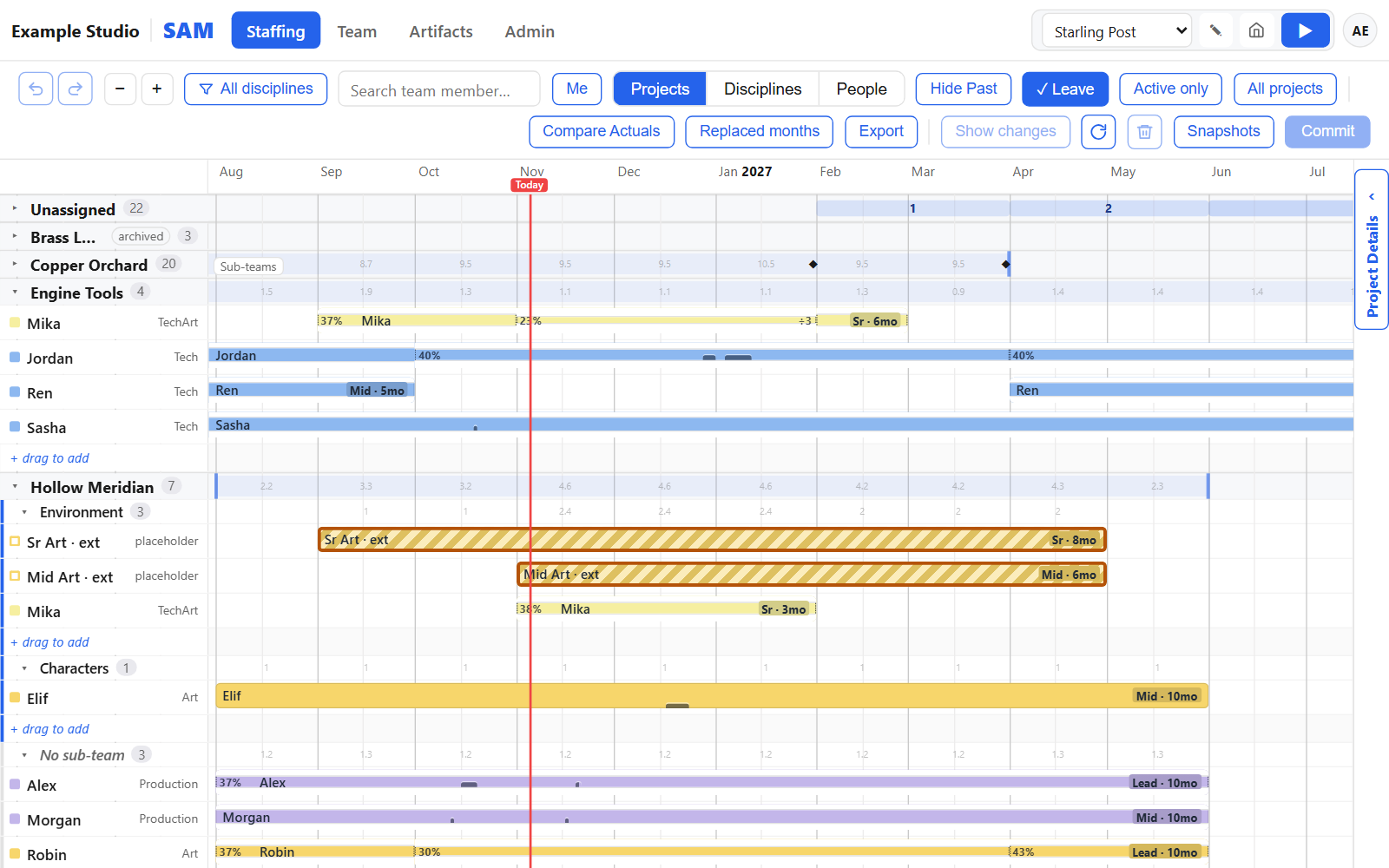
Draw, drag and resize
Draw a bar where someone should work, drag it, resize it. Edits stay a private draft until you commit them.
- See your changes before you commit, with undo and redo
- Several producers can plan at once without overwriting each other
- Placeholders for roles not yet hired, handed to the new person when they join
- Sub-teams within projects keep larger teams readable
Split a person's day
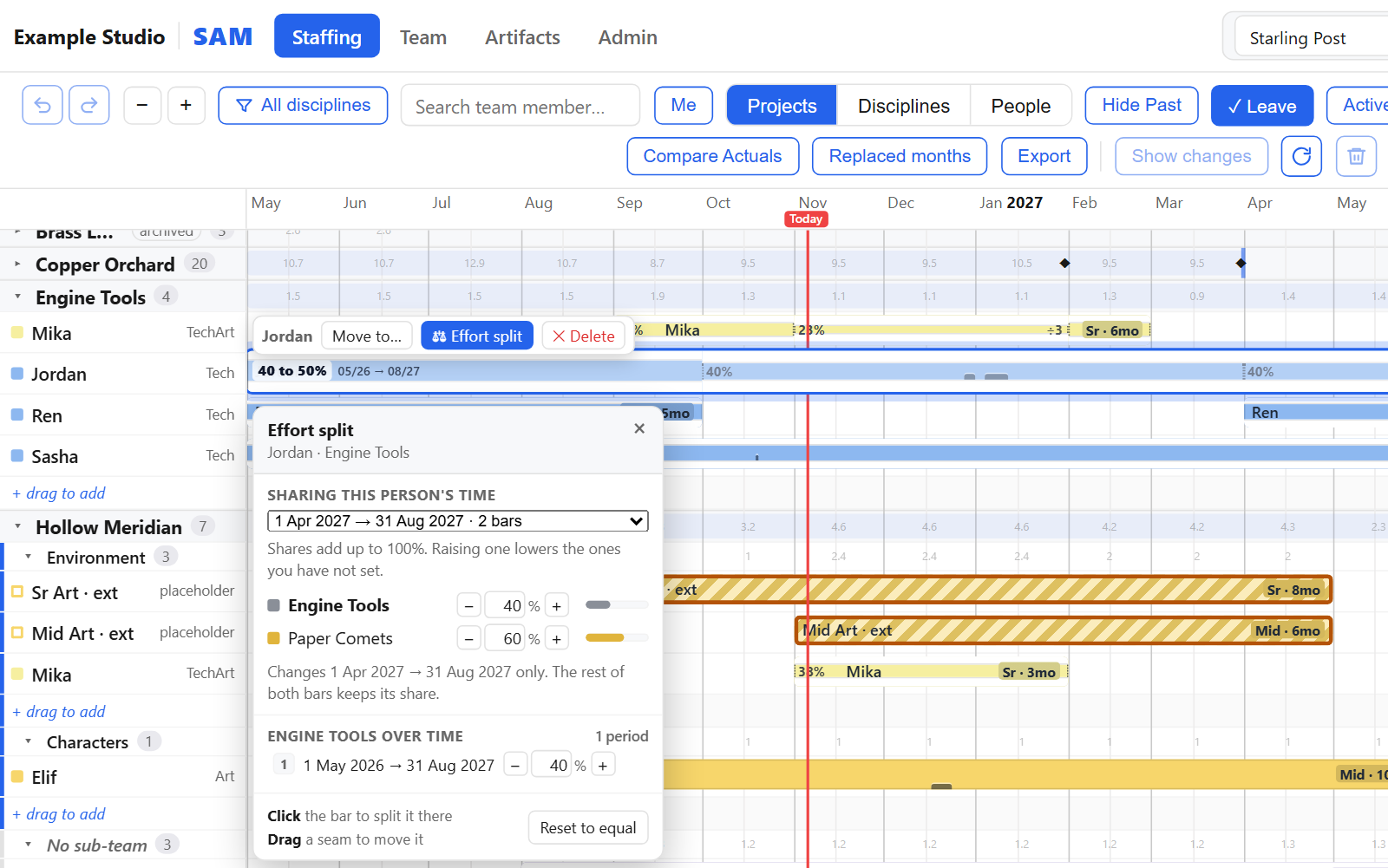
Bars at the same time share one person's day and always add up to 100%. Raise one and the others give way.
- Shares shown as percentages, on the bar and in the effort split
- Periods, so a split can change partway through a bar
- Headcount per month in full-time people, part-time aware
- Totals per project in person-weeks or person-months
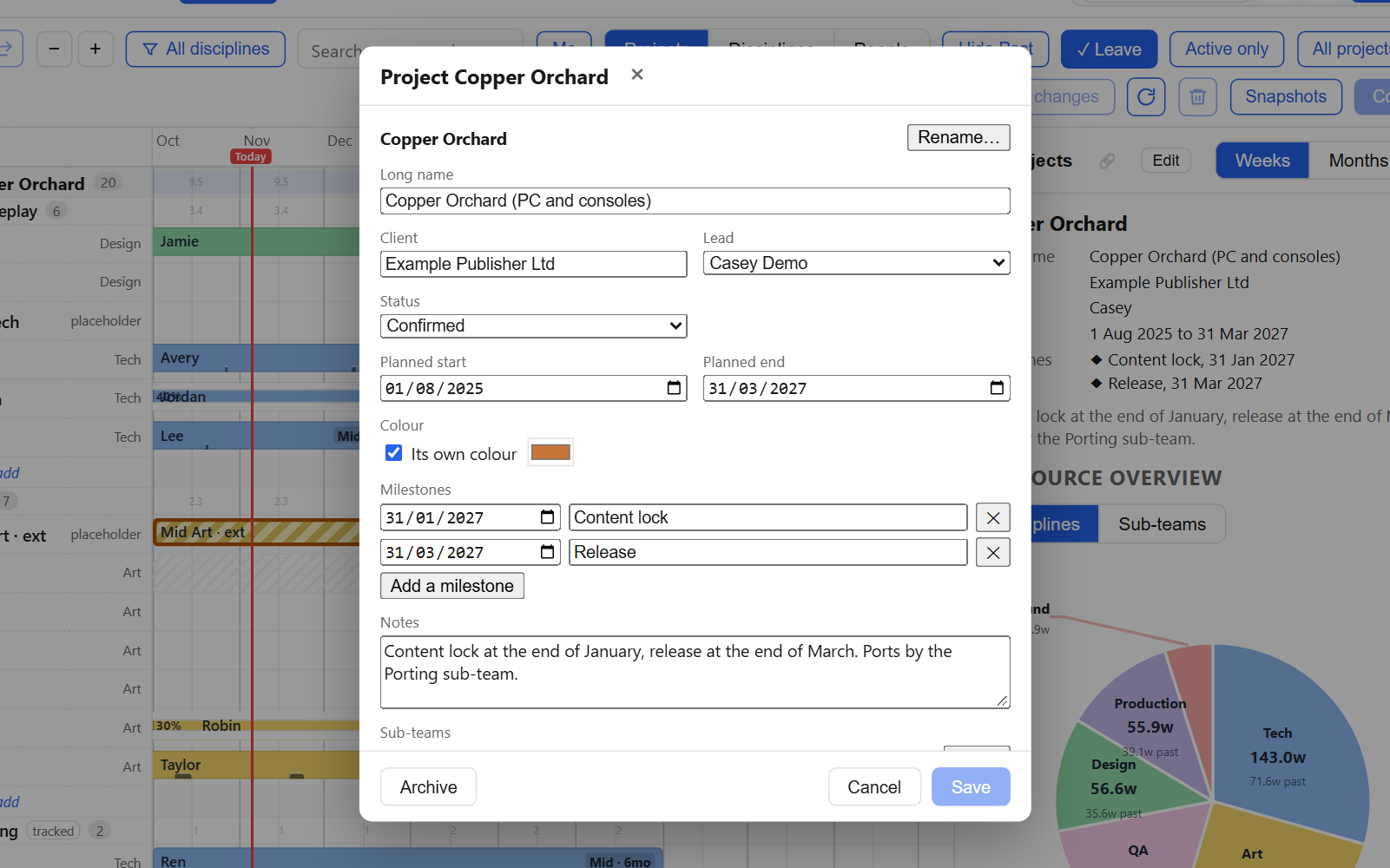
Projects, views and exports
Client, lead, dates, colour, sub-teams and milestones per project. Mark pitches as tentative so they never read as committed work.
- Group the plan by project, by discipline or by person
- A People view with a utilisation strip per month
- Approved leave shows on the bars; gaps show unstaffed time
- Excel export: a summary of FTE, heads and open roles per project, then the detail
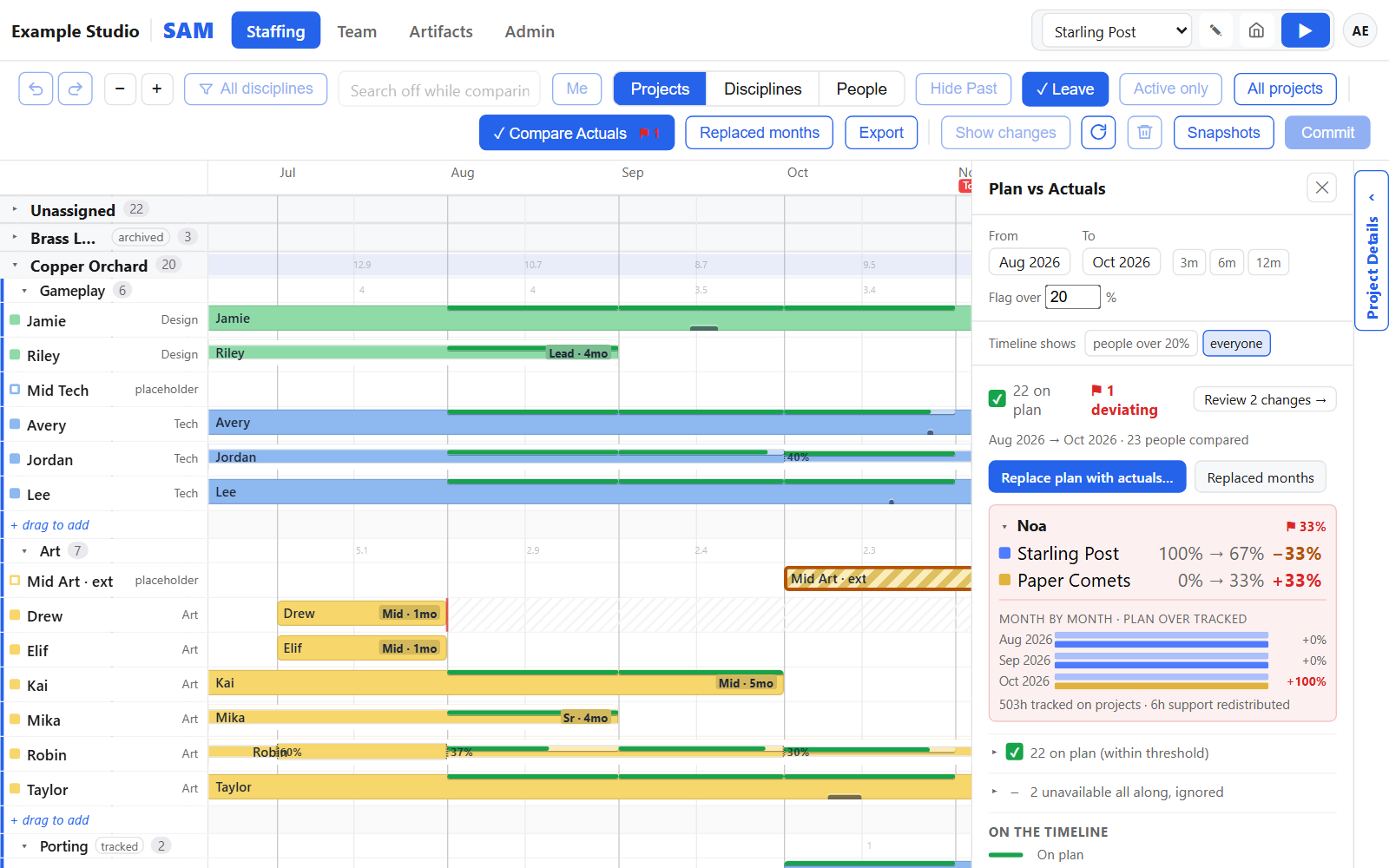
Compare the plan with tracked time
When a month is over, see what you planned next to what people tracked, per person and project.
Replace the plan with what happened
- Flags everyone who drifted past a threshold you set
- Month-by-month breakdown with the hours behind it
- Rewrite past months as tracked, reviewed before you commit
- Every replaced month can be undone
- Move time that was tracked on the wrong project
Keep the plan honest
Once past months match what was tracked, the plan is also your record, and the months ahead start from the truth.
Time tracking, time off and people
Recording time, asking for leave, contracts and rules. A dashboard shows what waits for you.
From request to calendar
Drag across the days you want off. The approver sees the balance and who else is away.
- A warning when a request would leave a project without anyone of a discipline
- Undo a decision within seconds; see who your request waits for
- Your own leave types and sick-note rules
- Public holidays per country and region, plus company days
Attendance
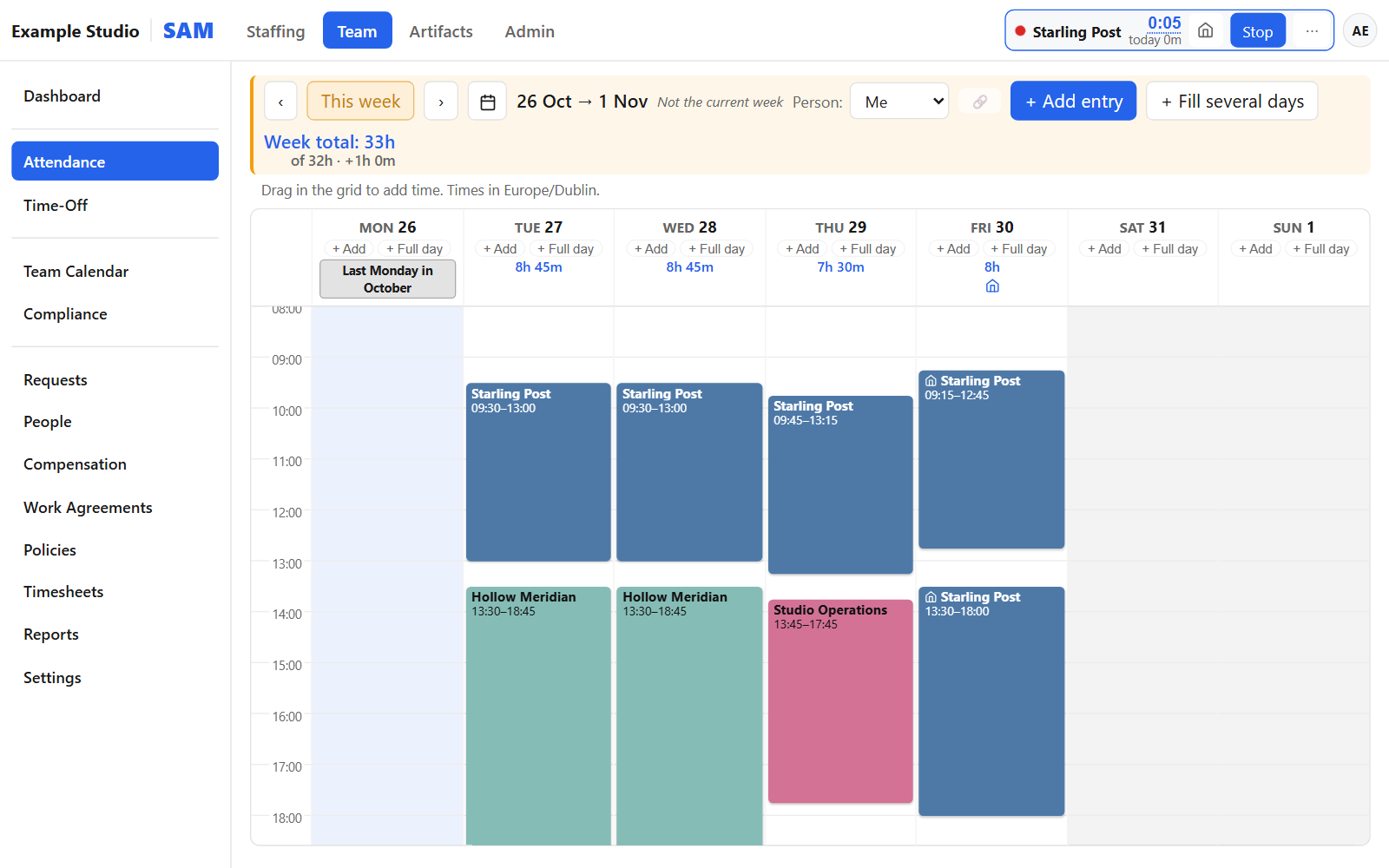
A one-click timer and a week calendar of tracked time. A timer left running overnight asks when you stopped.
Time off and balances
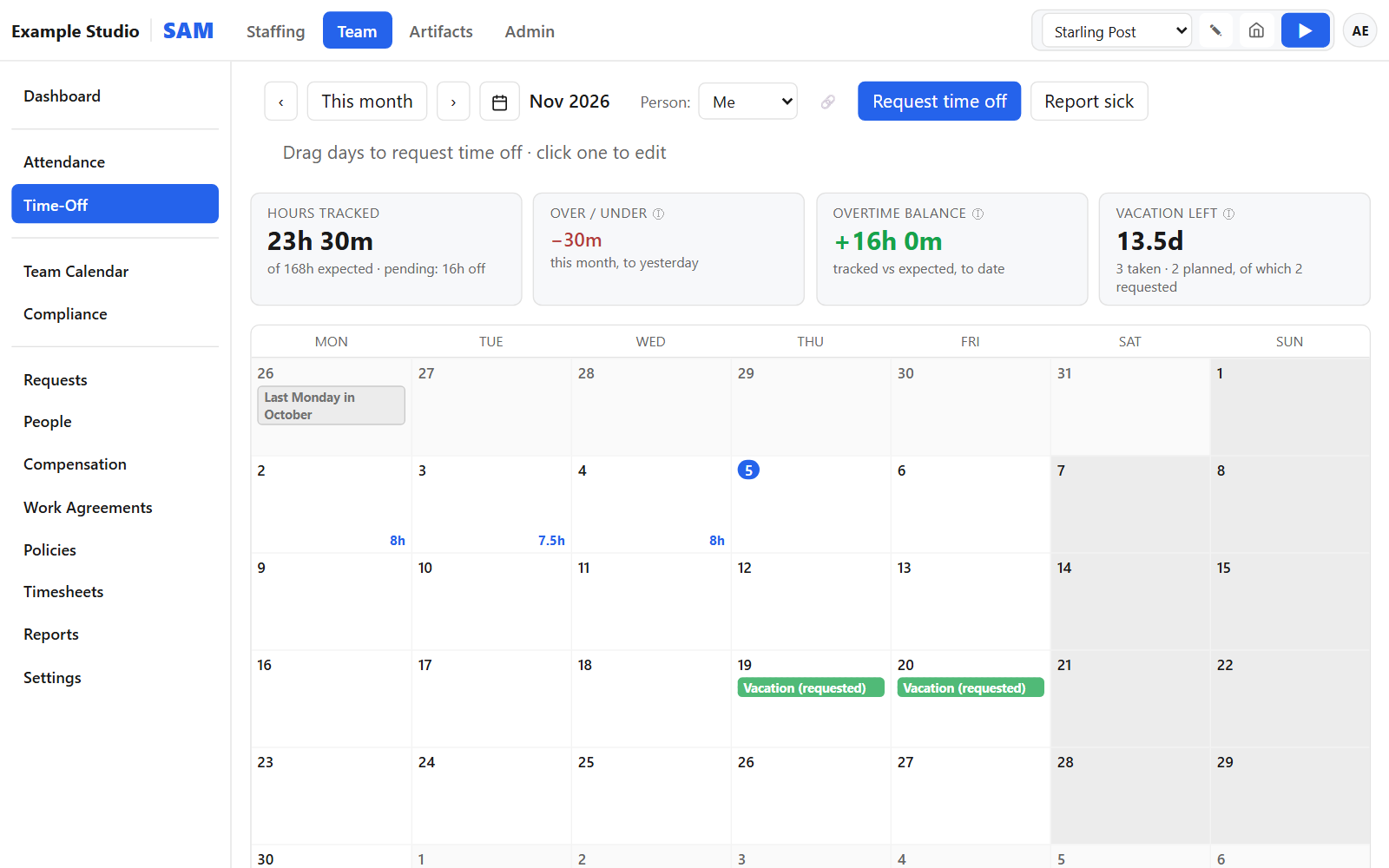
Overtime and vacation left at a glance, above a calendar of leave.
Requests
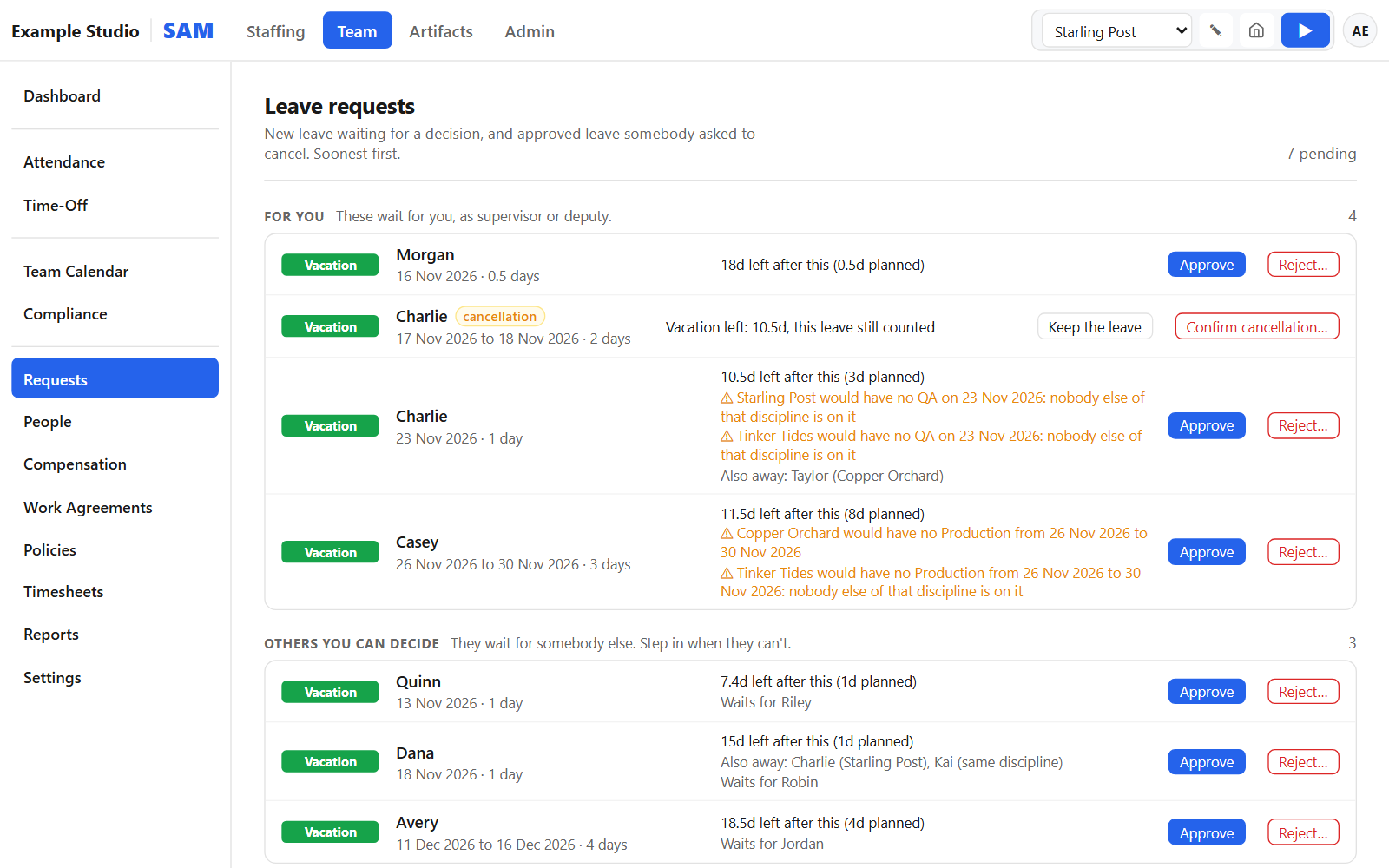
What waits for a supervisor, with the balance after each request and any project left short.
Team calendar
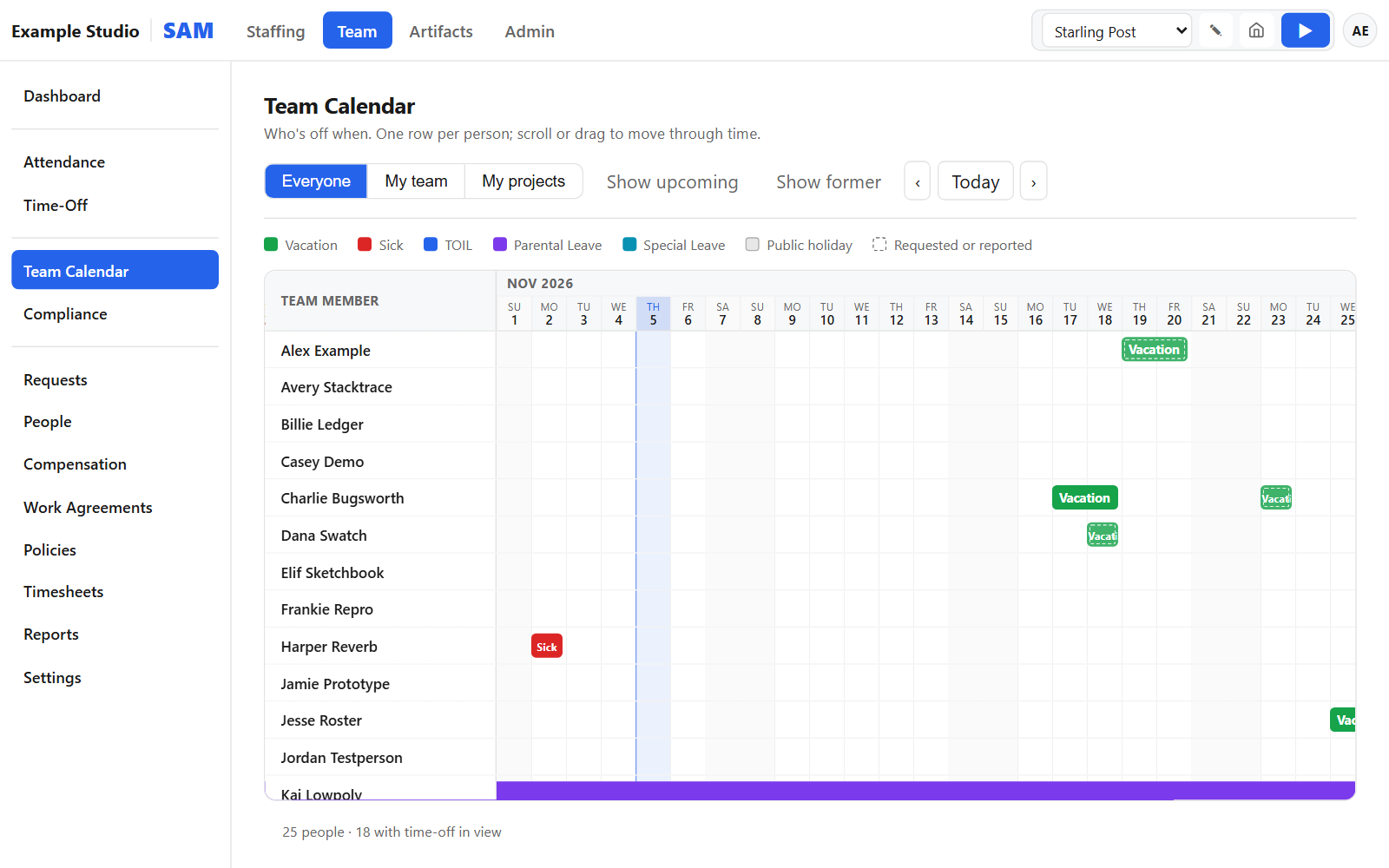
Who is away and when. Feeds for Outlook and Google Calendar, posts to Slack or Teams.
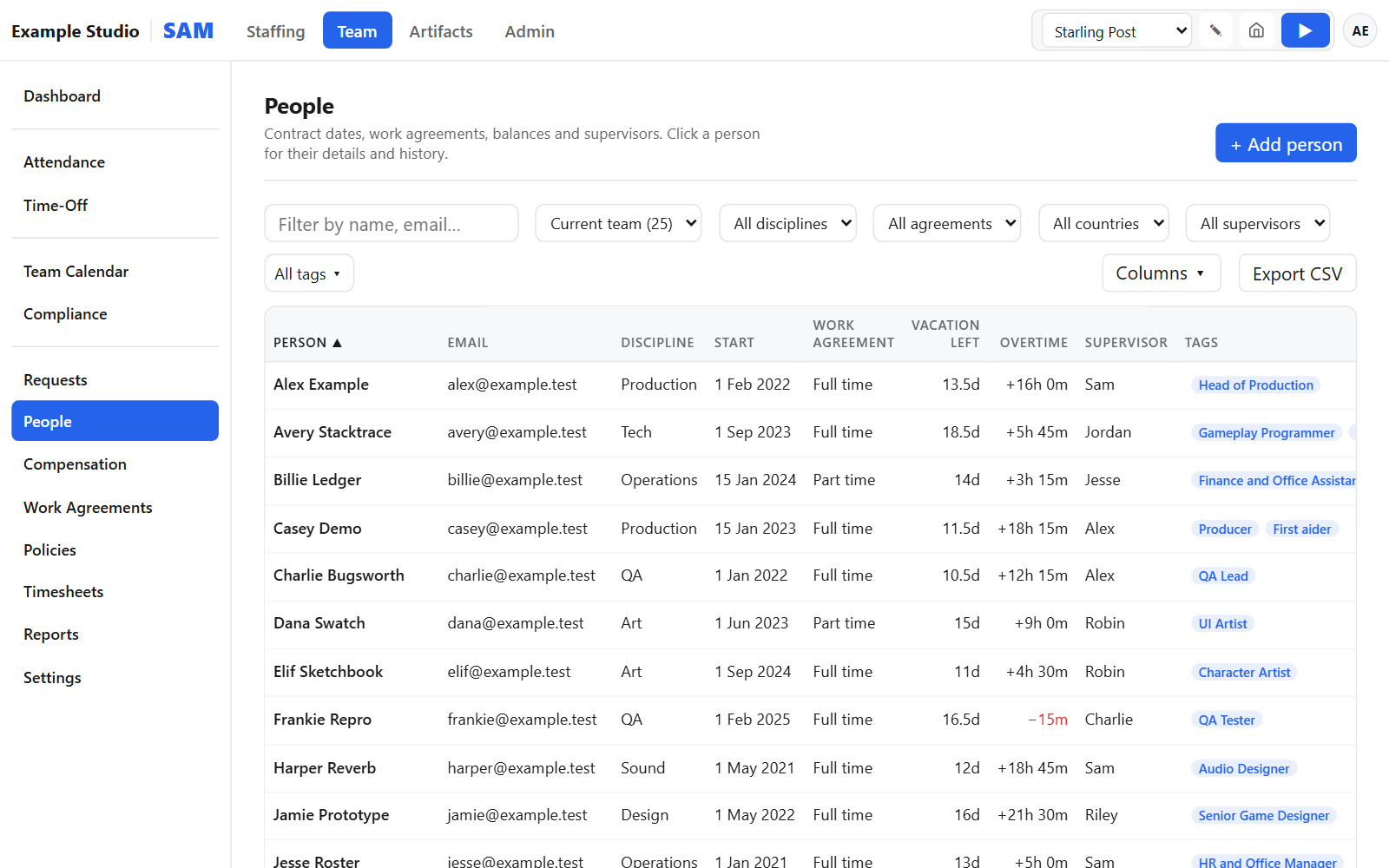
People
Everyone with contract dates, balances and supervisor. Import and export as CSV or Excel.
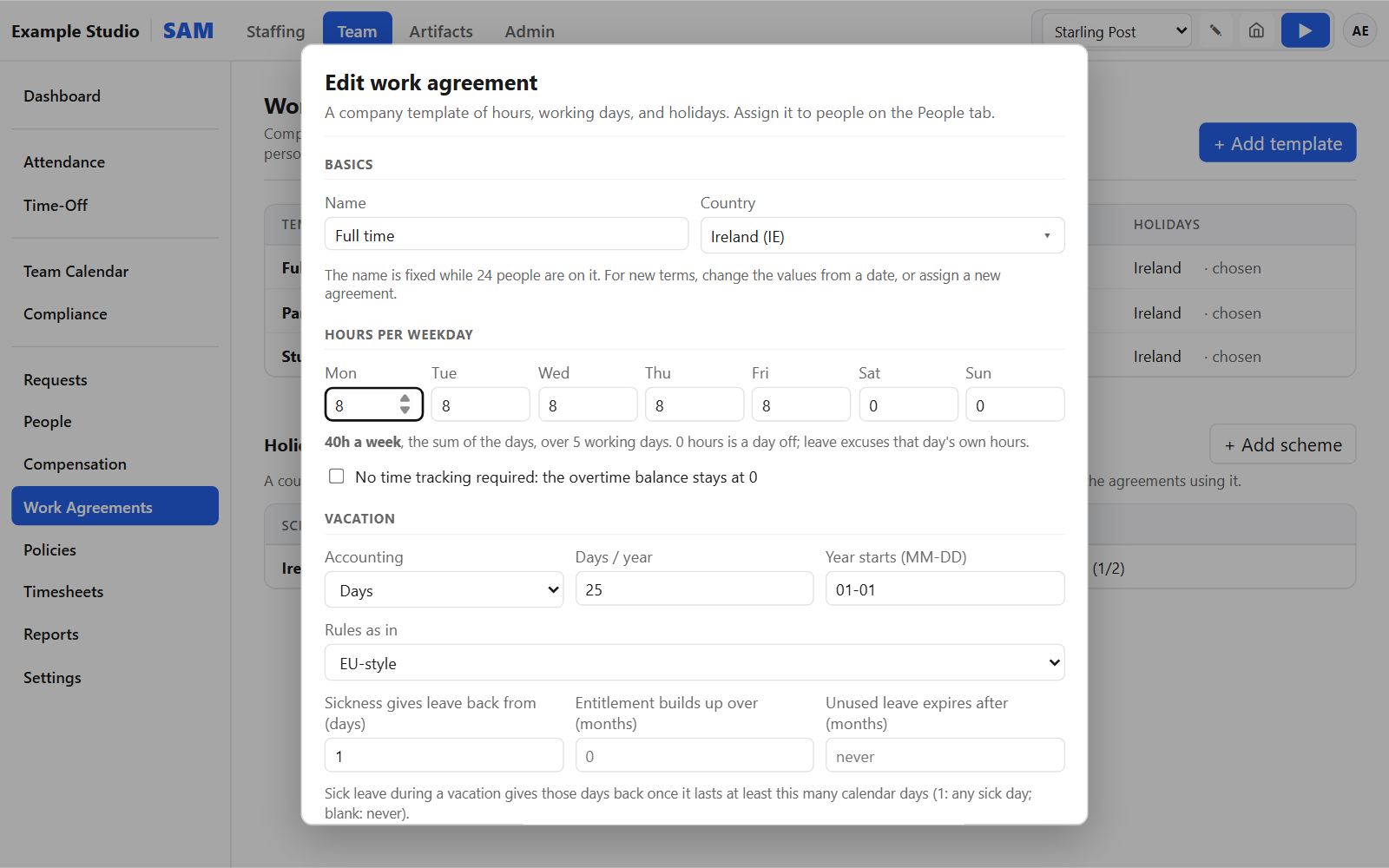
Work agreements
Hours per weekday and vacation rules, changed from a date so past months keep their values.
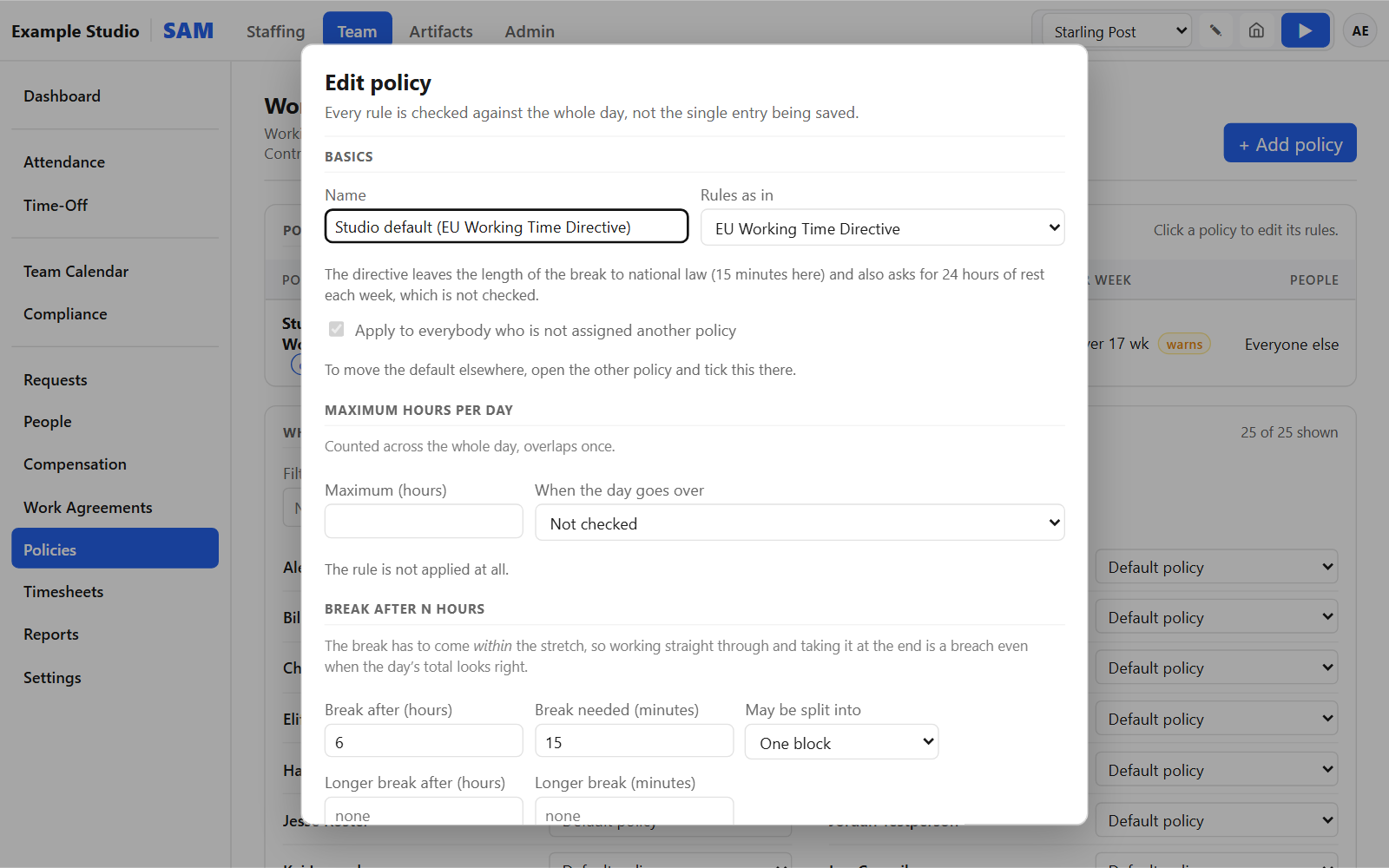
Working-time policies
Presets for the EU, Germany, Austria and Ireland. Each rule warns or blocks; a list shows every day that broke one.
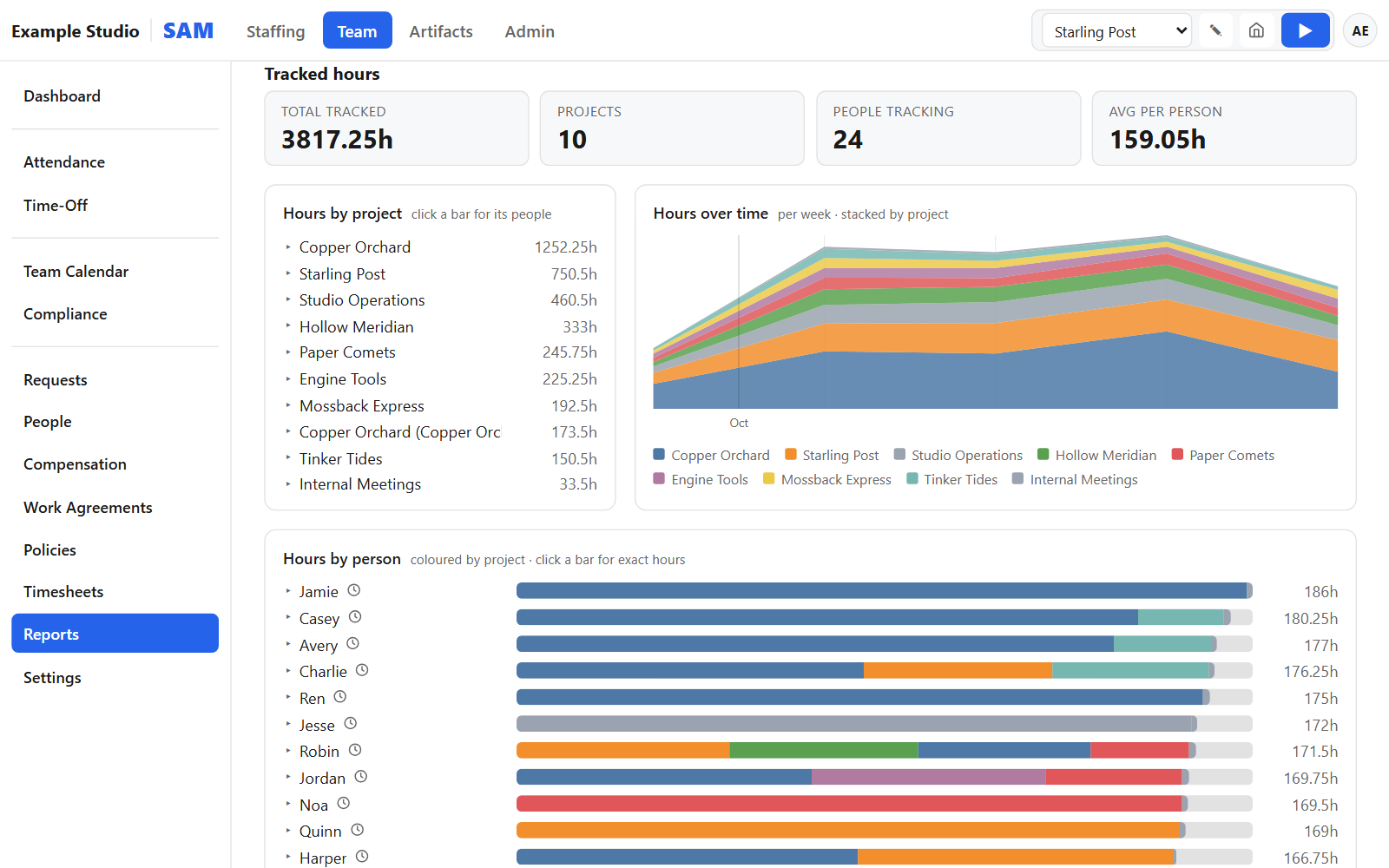
Reports and month end
Hours by project and person, in Excel. A month-end check, month locks and timesheet PDFs.
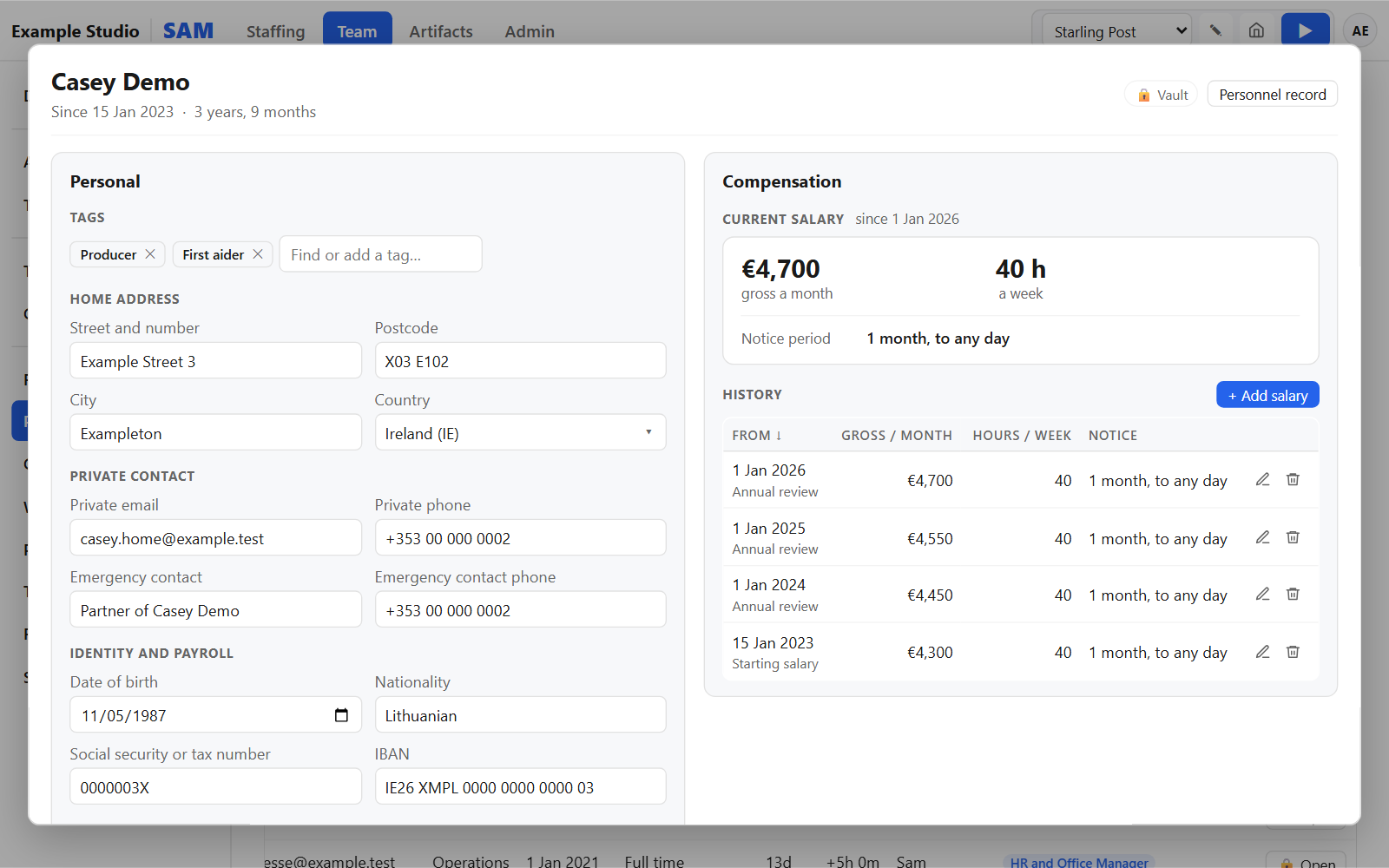
Sensitive personal data, kept apart
A separate encrypted store that only people you name can open. The main app cannot reach it.
- Addresses, private and emergency contacts, identity details
- Sick-certificate facts, without storing the certificate itself
- Salary history per person, and a compensation list as of any date
- Separate rights for personal and salary data; every access logged
A shelf for the pages your team makes
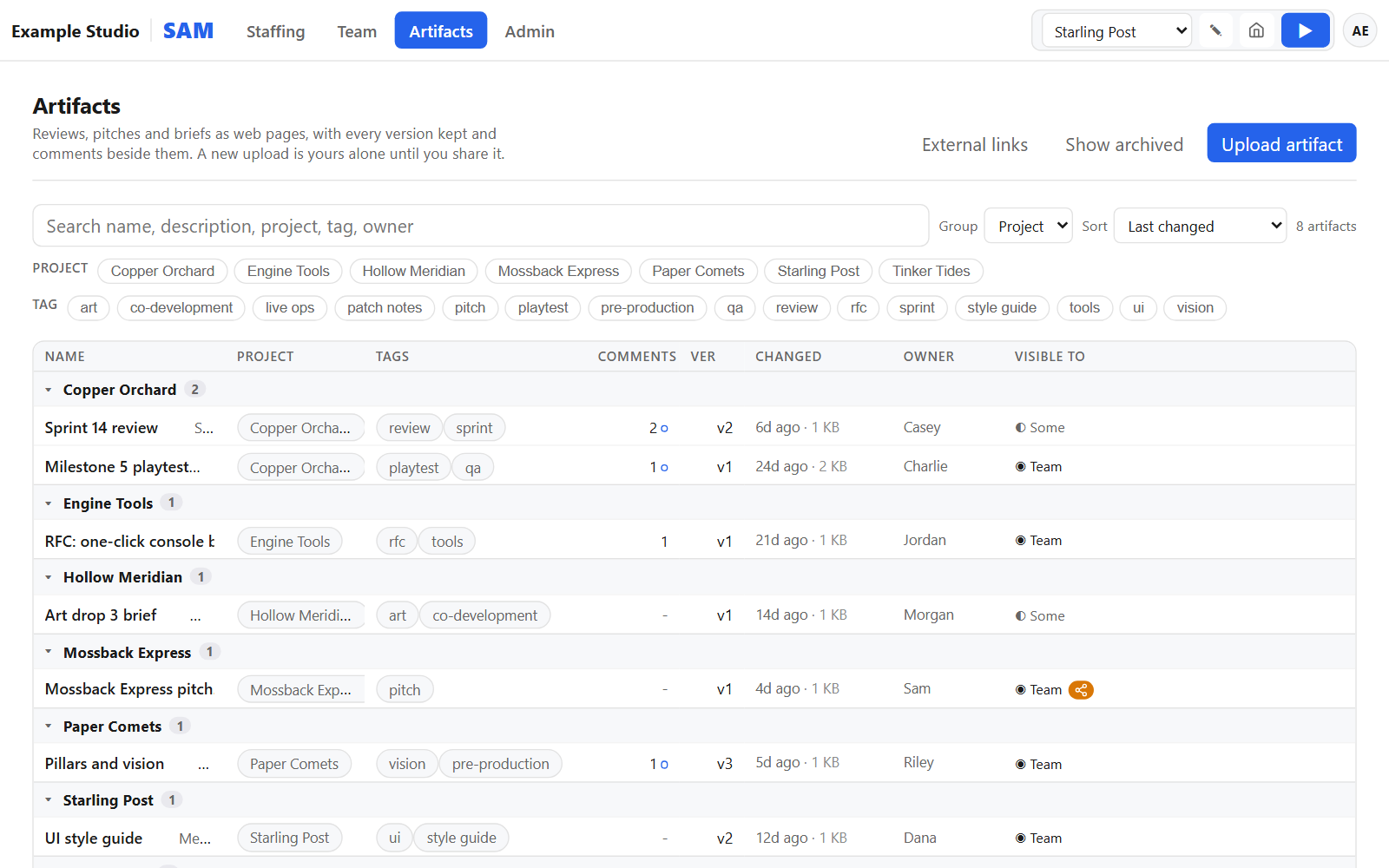
A home for HTML reports, prototypes and pitch pages, many of them made with AI tools.
- Versions for every artifact
- Access per artifact
- Comments pinned to a paragraph of the page
- Expiring share links for people outside the studio
- Every page runs sandboxed
Your sign-in, your rules
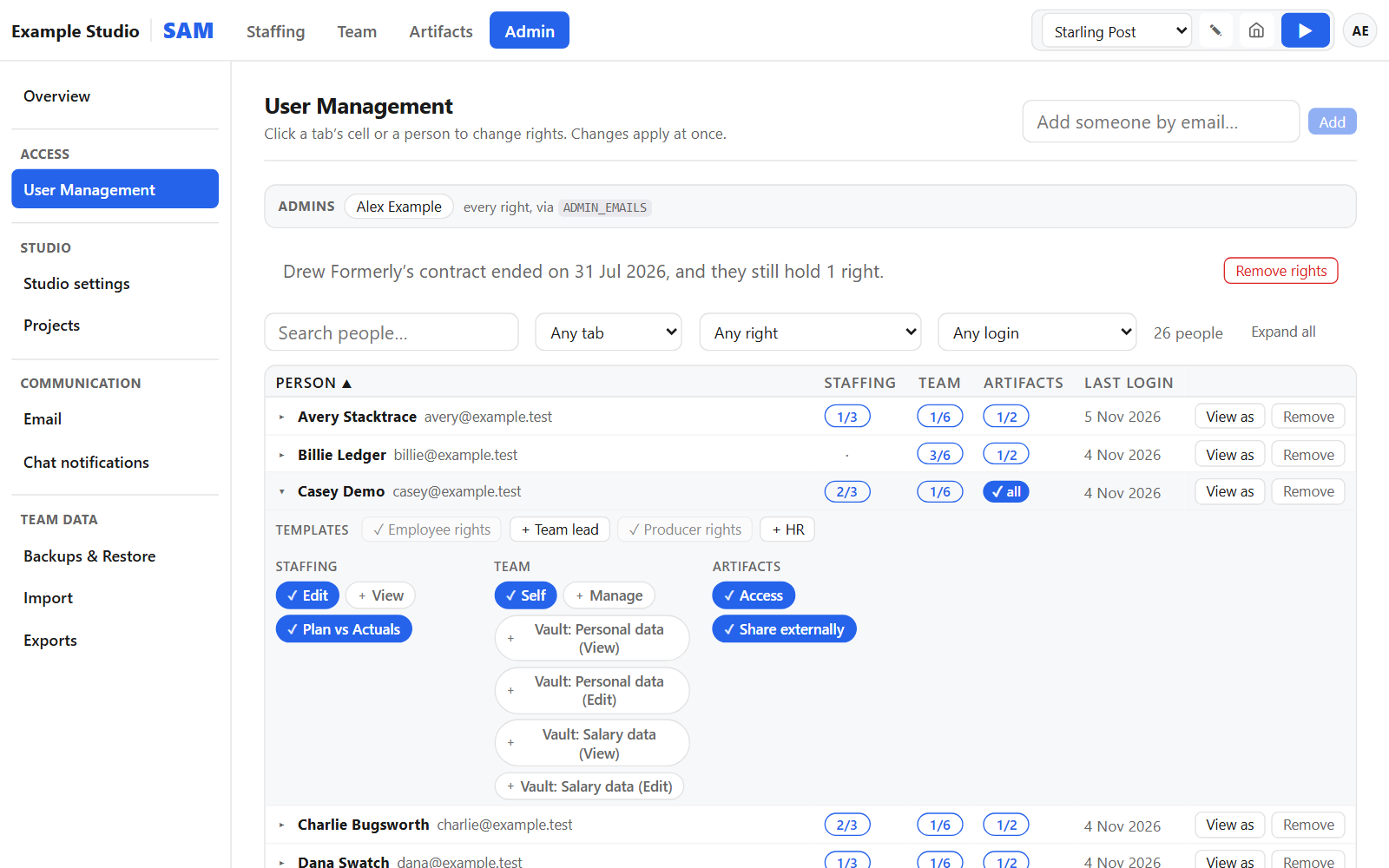
People sign in with your studio's identity provider, and admins decide who sees what.
Users and rights
- Rights per user, per tab and per feature
- Role templates for employee, team lead, producer and HR
- "View as" another user, to see SAM exactly as they do
Sign-in, notifications and backups
- Single sign-on with Microsoft, Google, Okta or any OpenID Connect provider
- Email notifications, Slack or Microsoft Teams posts, and an event log
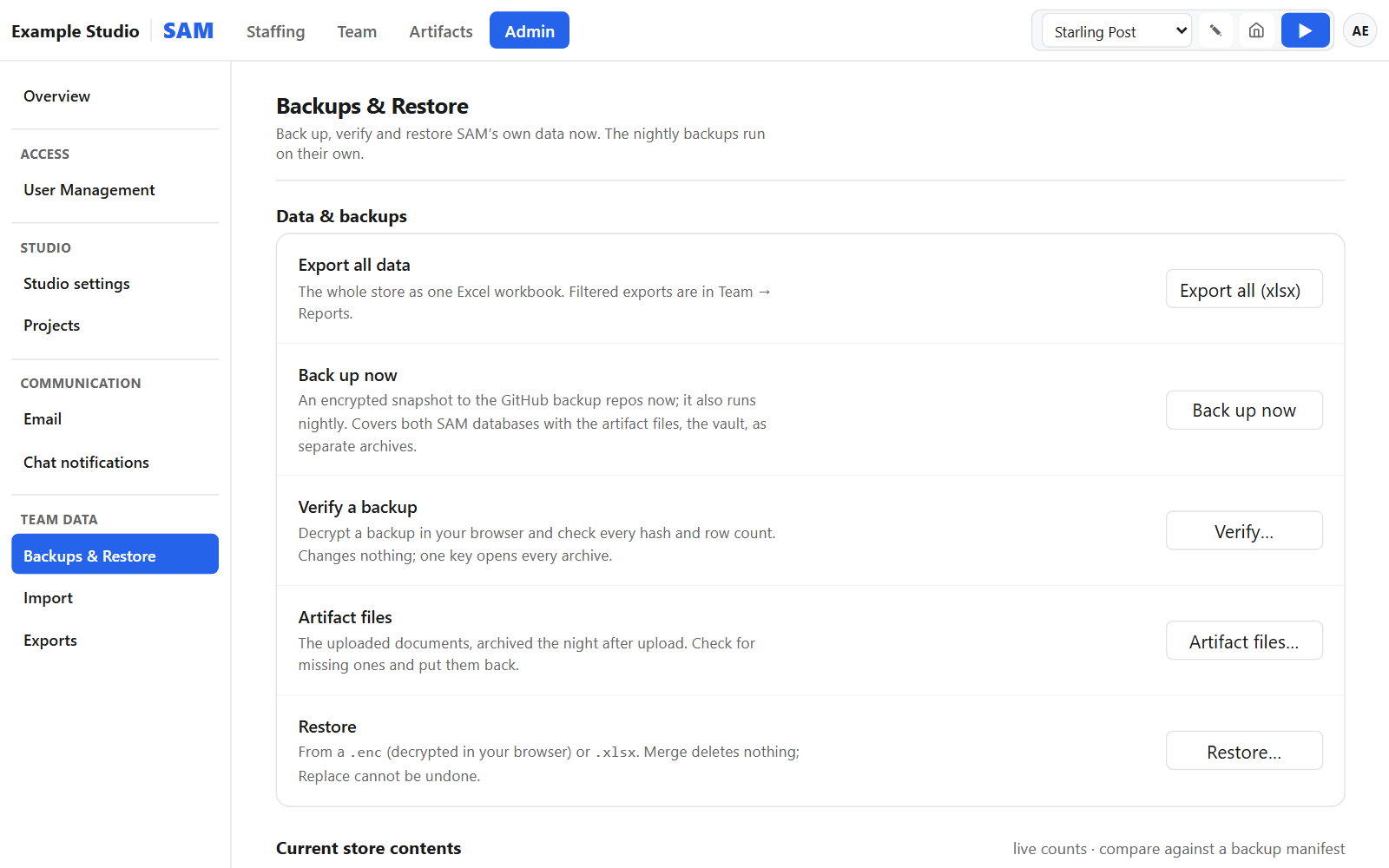
- Nightly encrypted backups to your own repository, checked in the browser before a restore
What SAM is not
Better to know before you buy.
- No finance or payroll. SAM exports hours, leave and timesheets for whoever runs payroll.
- No mobile app and no public API. SAM works in a phone browser (Staffing is view-only there); data moves through imports and exports.
- No updates after delivery. You get the full source code to change it yourself.
- No hosting by us. SAM runs on your own Cloudflare account, one studio per installation.
- The interface is in English.
Want SAM for your studio?
See it on an invented studio first. €9,500 once, excluding VAT.